
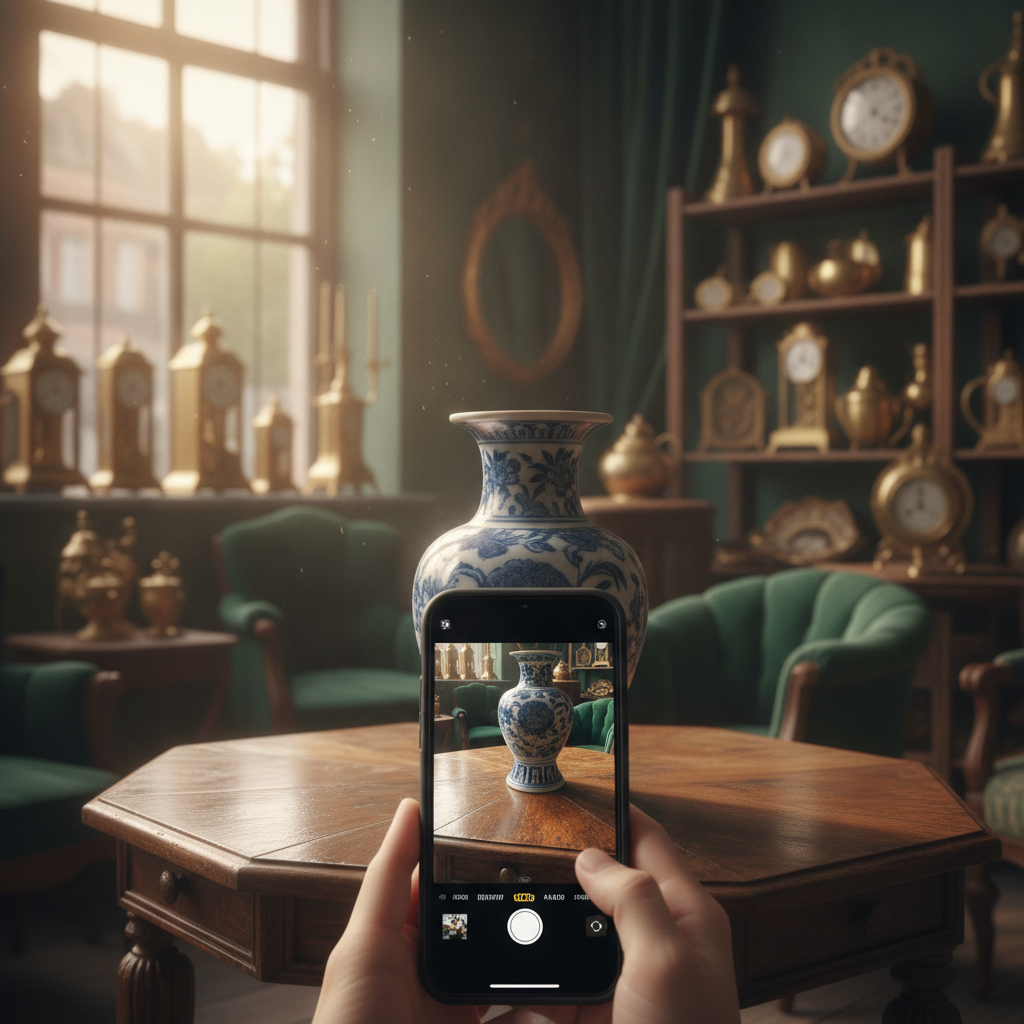
An antique identifier app turns your iPhone into a portable research assistant for furniture, porcelain, silver, clocks, and collectibles. Instead of guessing at an estate sale or staring at an unmarked heirloom, you photograph the piece and receive an AI-powered starting analysis within seconds. Antique Identifier — powered by AntiqueAI — is designed for collectors, dealers, inheritors, and curious treasure hunters who need fast context before they buy, catalog, or book a formal appraisal.
What an Antique Identifier App Actually Does
Photo-based antique identification combines computer vision with knowledge about period style, materials, construction methods, and common maker clues. The best systems evaluate visible joinery, finishes, form language, surface wear, hardware styles, and any hallmarks or porcelain marks captured in your images. Results typically include a likely category, era estimate, materials notes, confidence cues, and educational market ranges — always framed as learning aids rather than certified valuations.
Antique Identifier distinguishes quick scans from deeper reads with AntiqueAI Flash and AntiqueAI Expert. Flash is ideal when you are walking a flea market aisle and need a rapid orientation. Expert mode is better when you can capture multiple angles, marks, and details at home. Either way, the goal is the same: compress hours of reference searching into a readable report you can save, share, or question further in chat.
Unlike generic image search, a dedicated antique identification app is tuned for the messy reality of thrift finds — imperfect lighting, worn surfaces, incomplete sets, and reproductions that mimic period design. That specialization matters more than raw novelty. Collectors do not need another photo dump; they need structured fields for era, origin clues, condition language, and next-step guidance.
How Antique Identifier Works on iPhone
Open the camera or upload a gallery image. Live scan tips nudge you toward even light, fuller framing, and detail shots of marks. AntiqueAI analyzes the photo, returns identification language with a confidence signal, and outlines era, materials, condition notes, and hallmarks when visible. You can pick Flash for speed or Expert for deeper narrative context.
Educational value estimates appear in your preferred currency with rarity and buyer guidance. The app is explicit that figures are for learning, not insurance, tax, or legal sale purposes. That honesty is a feature: it keeps you oriented while reminding you when a licensed appraiser or specialized dealer opinion is still required.
After each scan, Ask the AI Expert lets you dig into care, rarity, authentication clues, and period context based on the report. Save the piece to History, star favorites into your Collection Cabinet by category, optionally sync with iCloud, and export a clean PDF identification report when you need to share with family or a dealer.
Who Gets the Most Value from the App
Estate inheritors use Antique Identifier to triage rooms full of unknowns before calling a professional. Dealers use it as a second set of eyes on consignment intakes. Interior designers capture style language they can pass to clients. Weekend hunters use it to avoid overpaying for fashionable but common pieces or to pause when a result suggests something rarer than the sticker implies.
Language support across 29 languages and multi-currency estimates make the app practical for travelers at European markets or U.S. auctions. Dark mode and collection tools keep long cataloging sessions manageable. The free tier covers basic collection management; Premium unlocks deeper analysis workflows through weekly (with trial) or lifetime plans offered in the store listing.
Photography Habits That Improve Results
Natural daylight against a neutral backdrop beats flashy filters every time. Capture the whole object, then close-ups of feet, backs, undersides, screws, labels, and maker marks. Include a coin or ruler for scale when size is ambiguous. Clean dust carefully so surface color and texture remain readable without scrubbing away historic finishes.
Avoid heavy editing and beauty filters. Submit the piece as it exists. If confidence is modest, add angles rather than arguing with the first read. Ranked possibilities are a research map: they tell you which period references and specialist books are worth opening next.
App Identification vs Certified Appraisal
An antique identifier app is a triage and education tool. A certified appraisal is a formal opinion for insurance schedules, equitable distribution, donation, or contested sale. Treat Antique Identifier as your first informed pass. When stakes rise, book a credentialed appraiser who can examine joinery, UV reactions, tool marks, and provenance documents in person.
The healthiest workflow pairs both: scan → organize → research → professional verification for high-value outliers. That sequence saves money on pieces that are clearly common and focuses scarce expert hours where they matter.
Frequently Asked Questions
Is Antique Identifier free?
A free version includes basic app features and collection management. Premium subscriptions unlock deeper Expert analysis and related premium capabilities, with weekly trial and lifetime options as listed on the App Store.
Does the app replace an appraiser?
No. Results and value ranges are educational. For insurance, legal, or major sale decisions, consult a qualified specialist.
What categories does it cover?
Furniture, porcelain, pottery, silver, clocks, art, and many collectible categories you encounter at markets and estates.
Can I use it offline?
Saved History and Collection Cabinet items can be reviewed offline. New AI identification requires an internet connection.
Try Antique Identifier
Ready to stop guessing? Download Antique Identifier on the App Store, photograph your next find, and build a Collection Cabinet you actually trust — with clear educational estimates and room to ask the AI Expert follow-up questions.